SKP to DWG for Your CAD Handoff

Use SKP to DWG when a project handoff needs a CAD drawing instead of a SketchUp model. Upload your SKP, export visible faces and edges, and download a separate DWG while keeping the source file unchanged.

Drop your model here

.skp files · Up to 100 MB

Output drawing

DWG R2000 (.dwg)

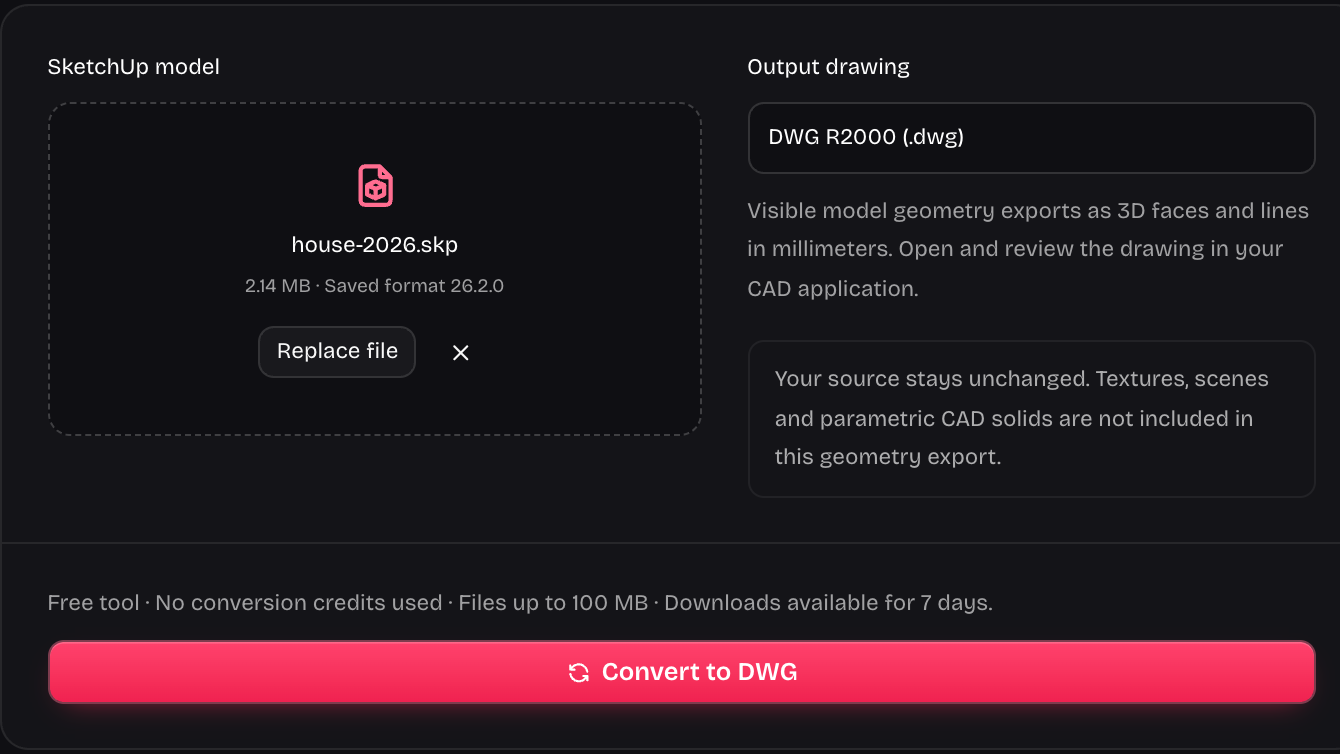
Visible model geometry exports as 3D faces and lines in millimeters. Open and review the drawing in your CAD application.

Your source stays unchanged. Textures, scenes and parametric CAD solids are not included in this geometry export.

Checking converter availability…

Your conversions

Reopen your downloads from any signed-in session. Downloads expire after 7 days.

Follow the model into a CAD file

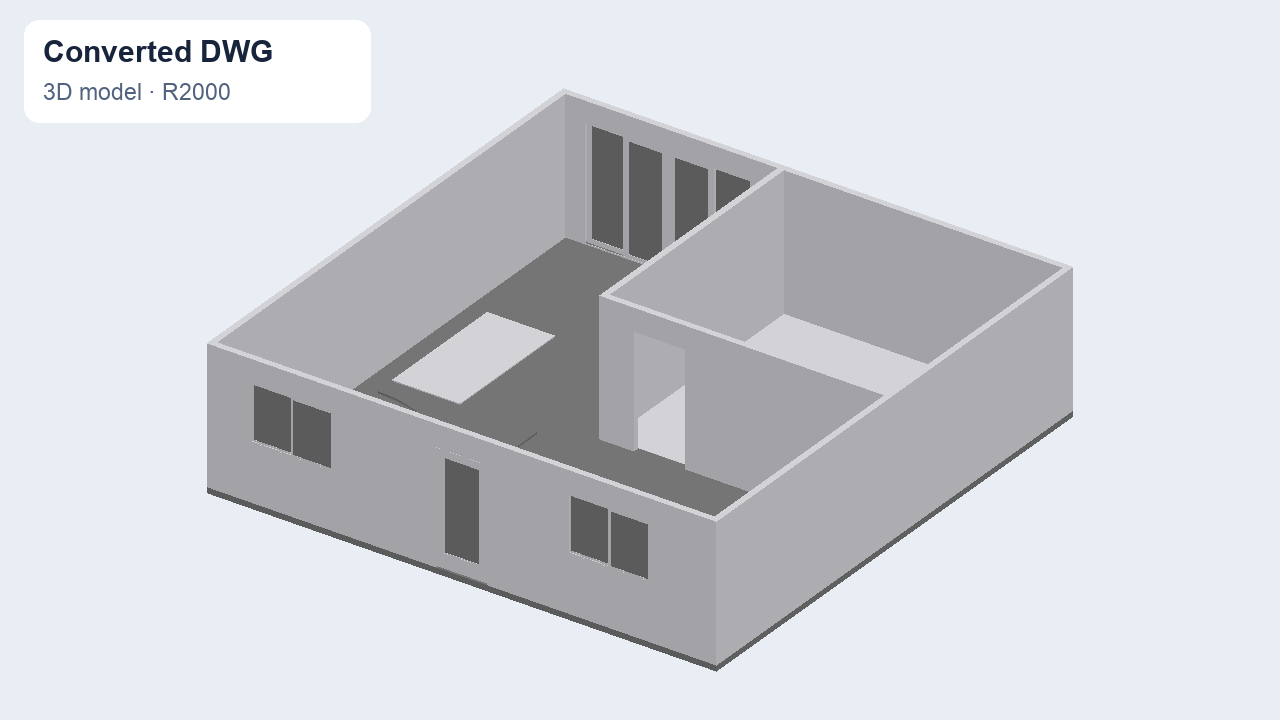
SKP to DWG moves visible model geometry into a CAD drawing. Compare the source view with exported faces and edges before you prepare a project handoff, checking that the displayed model parts match your intended export.

Compare model file versions
House faces and edges in the exported DWG drawing
Start with the same project and inspect its exported form. Review the downloaded drawing in the CAD application your colleague uses, checking the relevant views and dimensions before it becomes a deliverable.

Move SKP to DWG with a clear handoff

SKP upload controls for a DWG export

Export model geometry for CAD

SKP to DWG exports visible faces and eligible edges into an R2000 drawing measured in millimeters. Component placements are applied to their geometry, giving the CAD recipient a drawing that follows the model's assembled arrangement rather than a collection of unpositioned parts.

Choose your SKP file
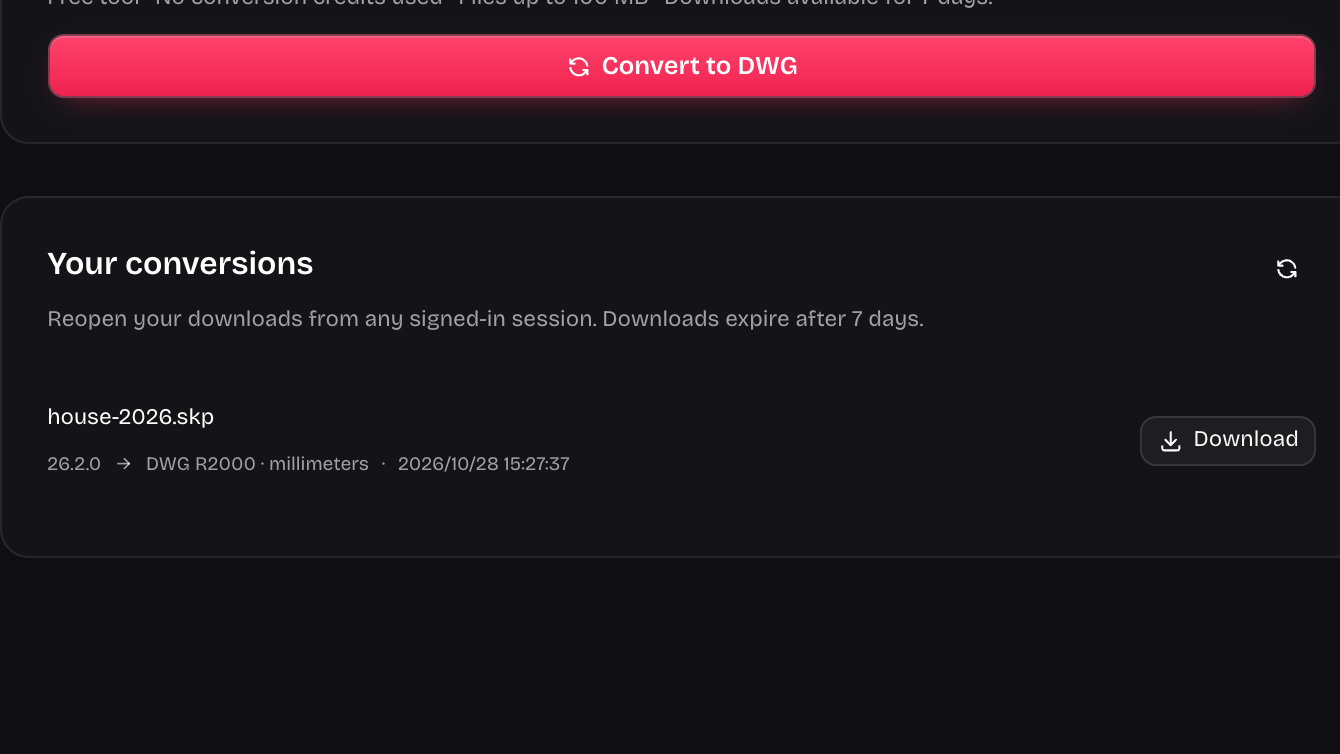
DWG result with a separate file download action

Return to your exported drawing

SKP to DWG keeps successful drawing downloads in your private account history for seven days. Return from another signed-in session when you need the export again, and save a project copy before the download expires so the handoff remains available to your team.

Export a DWG drawing
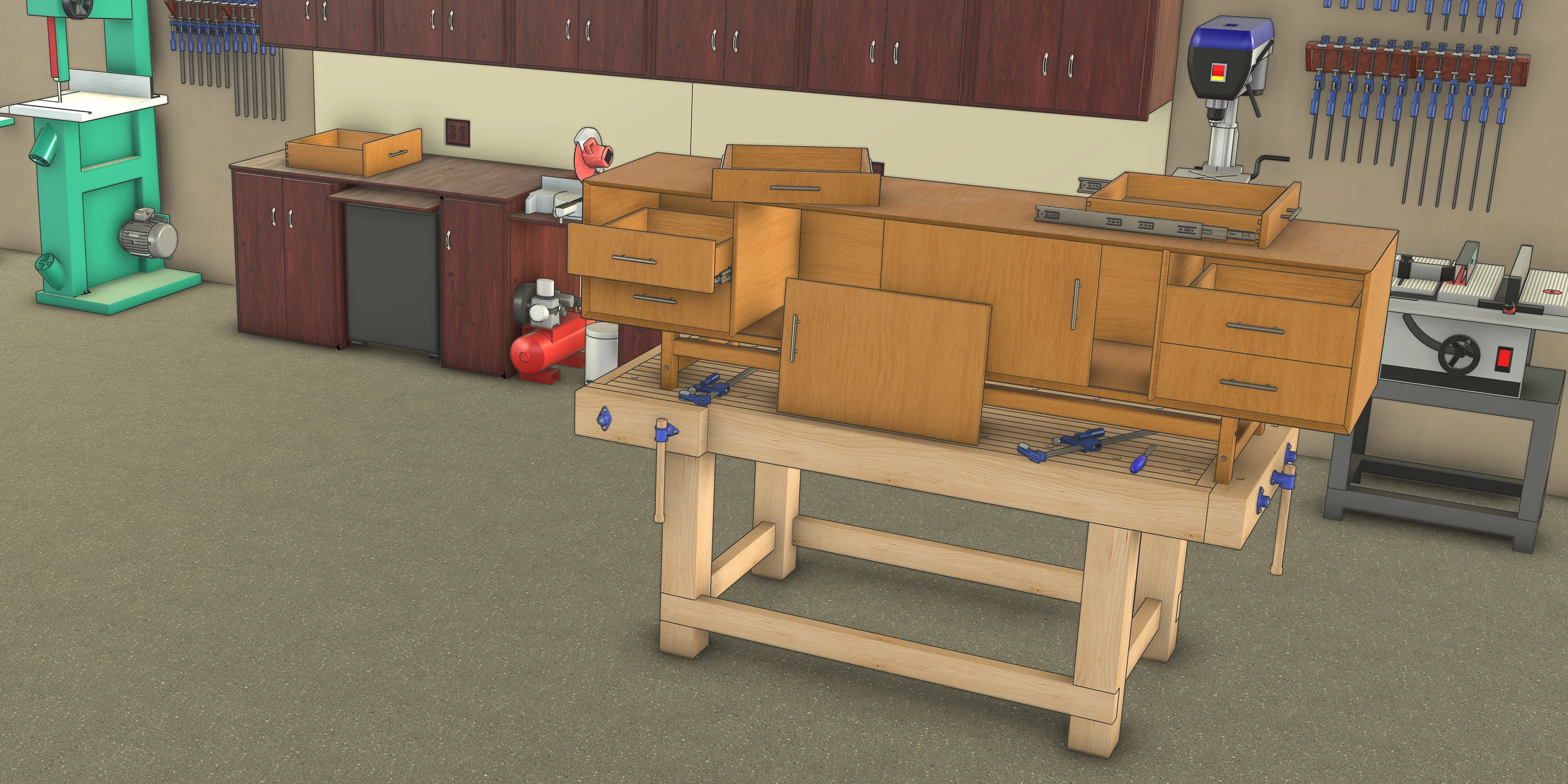
Wooden cabinet with open drawers on a workbench in a woodworking shop

Bring the right file to coordination

An architect may receive a SketchUp study while a consultant requests DWG. SKP to DWG provides the format bridge for that exchange, giving you a drawing to inspect, organize, and continue working with in your chosen CAD environment.

Prepare your CAD handoff

How to convert SKP to DWG

Convert SKP to DWG

Choose the source model

Upload the SKP supplied for your project. Start SKP to DWG with a complete model file, retaining your original in the project folder.

Run the drawing export

Start the export and wait for the result. Keep the selected model available if the operation reports a problem that needs another attempt.

Download and inspect the drawing

Download your DWG, then open it in the CAD application used for the handoff. Check the project geometry before sharing the drawing onward.

Give the next collaborator a usable starting point

SKP to DWG fits the point where model-based design meets a drawing-based project exchange. Keep ownership of the source and make the exported file easy to identify, inspect, and share.

Unblock a format request

SKP to DWG helps when a consultant asks for DWG and your available project file is a SketchUp model ready for export.

Retain the editable source

Keep the original SKP for SketchUp work. Treat the drawing from SKP to DWG as a separate handoff rather than overwriting your source.

White marble dining table with flowers and surrounding wooden chairs

Review before delivery

Open the SKP to DWG result in your CAD application and compare the parts that matter to the recipient before approving the exchange.

Choose the appropriate tool

Use SKP to DWG for a CAD file request. Choose the version converter when the recipient needs an older SKP instead of DWG.

Need a SketchUp file instead? convert to an older SketchUp version or reduce SKP file size.

Questions about SKP to DWG

SketchUp Version Converter cube and download mark

Prepare your next CAD handoff

Bring the model your project already has to SKP to DWG. Export a separate drawing, keep the source, and inspect the result before sharing it.

Convert SKP to DWG