Useful outputs
Converted files are saved through the native SDK and reopened before a successful download is offered.
About SketchUp Version Converter
We help architects, designers and project teams handle SKP version mismatches through a focused upload, conversion and download workflow.
“The useful result is a model you can continue working with in the SketchUp version your project requires.”
The problem we address
A useful model can arrive from a client, supplier or collaborator in a newer file format than the one your project uses. Asking for another export adds a handover and interrupts work.
SketchUp Version Converter brings file selection, target versions and separate SKP downloads into one place. Your original model stays unchanged, while account history keeps successful downloads within reach for seven days.
Our main converter prepares a separate SKP file for a supported target version. Separate free tools export visible geometry to DWG, recover readable SKB backups, and remove unused resources from SKP files. These tools do not replace SketchUp or repair damaged models. Older formats can simplify features, so inspect the downloaded result before using it in a deliverable.
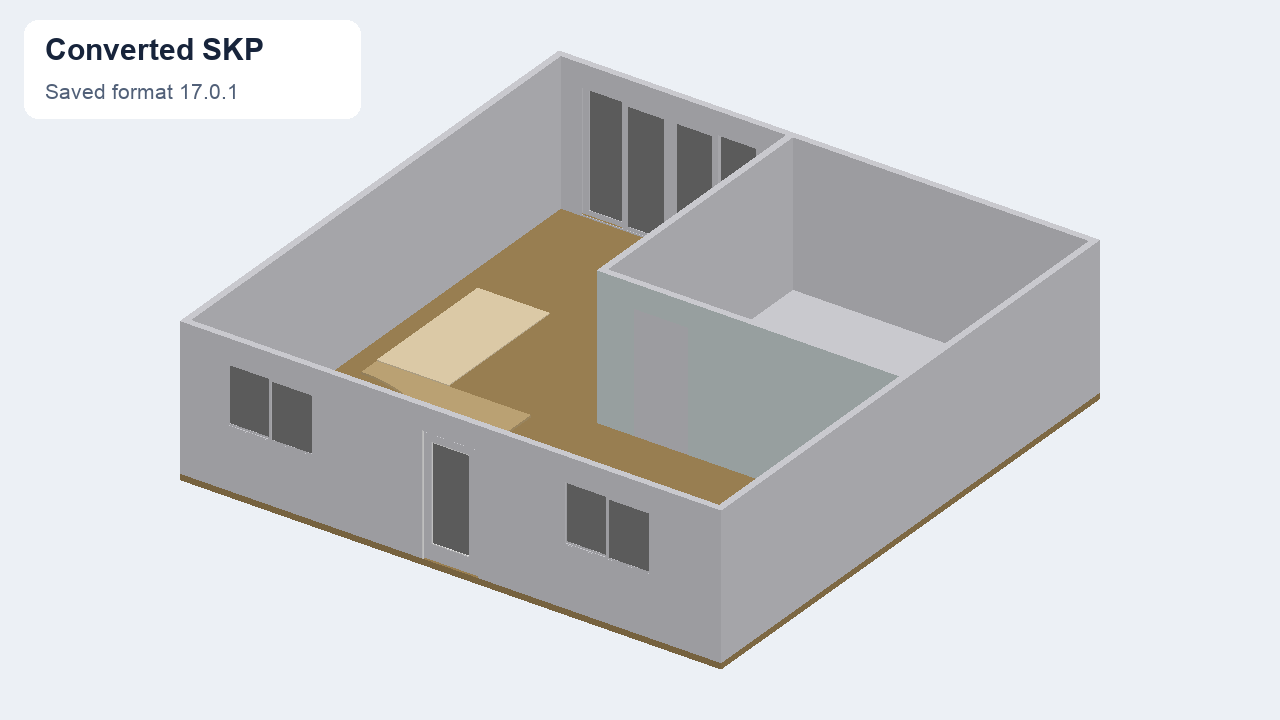

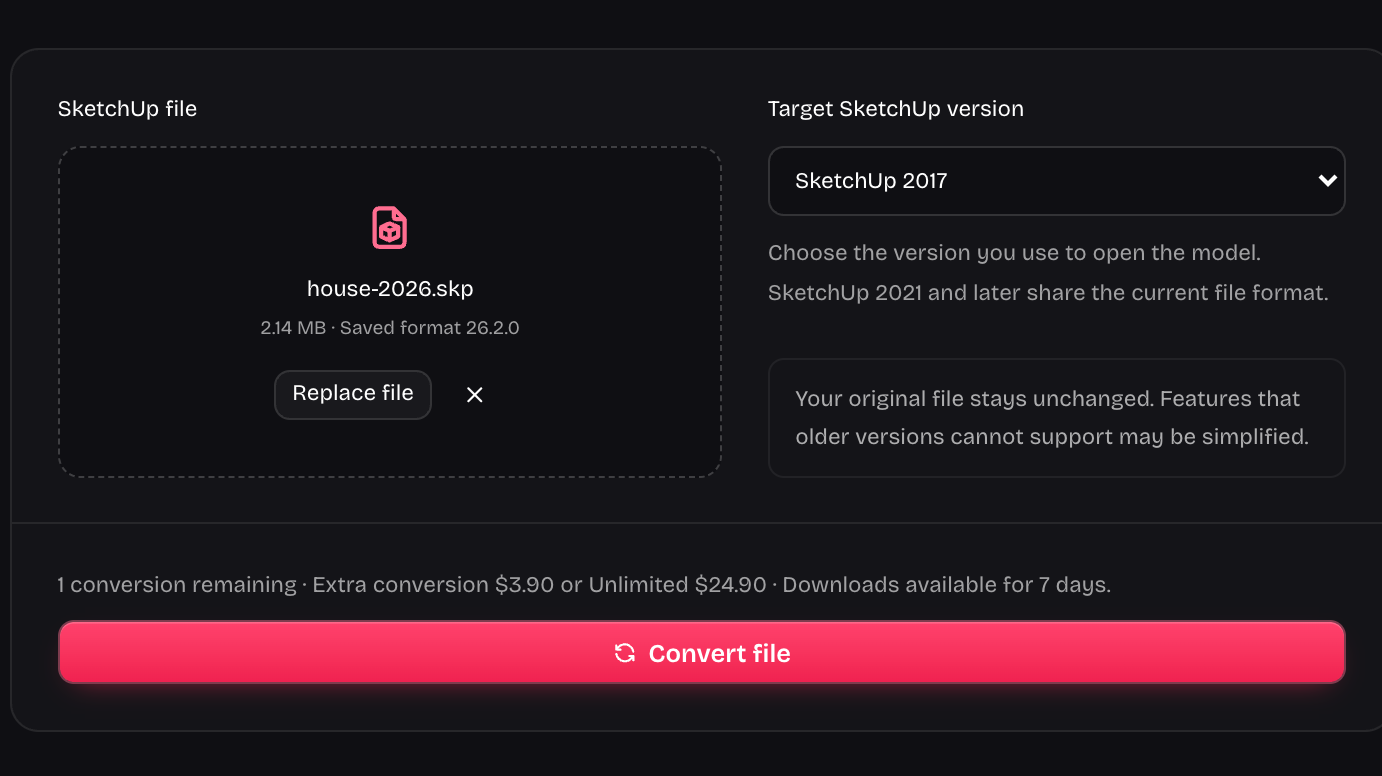
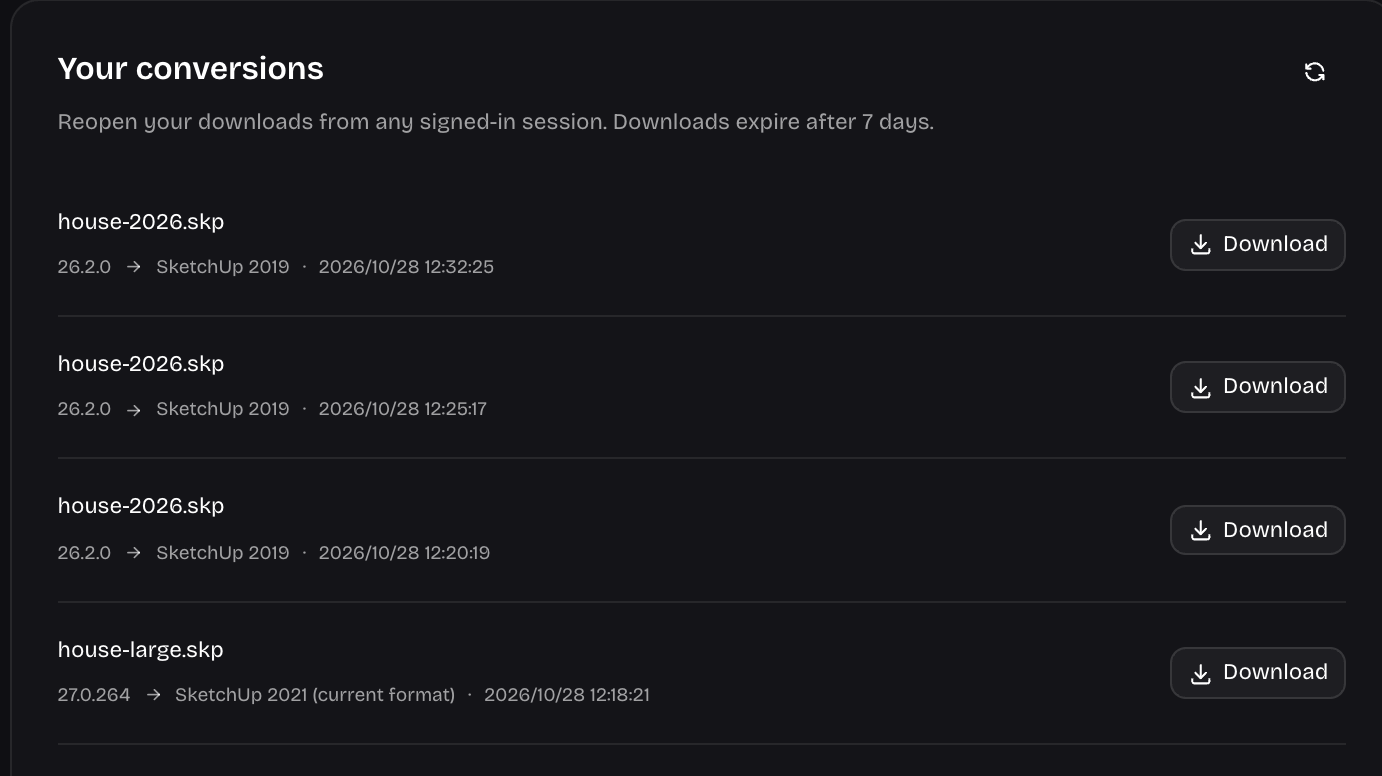
The conversion workflow
Choose the source model and target year, keep the original, and return to your account downloads when you need them.
Choose targets from 2017 through 2026; releases from 2021 onward share the current file format.
Download a converted model with its target year in the filename while keeping your source file unchanged.
Check the SKP extension, file size and model structure before accepting a successful conversion.
Return to successful downloads from your signed-in account during the seven-day download window.
Keep the selected file when a conversion fails and retry explicitly. Failed conversions do not use a conversion allowance.
Our focus
A version converter should give you a usable file and a clear next action. We focus on supported model formats, separate downloads, visible limits and honest guidance about older-version differences.
Converted files are saved through the native SDK and reopened before a successful download is offered.
Version conversion stays distinct from model repair, rendering and exports to other formats.
Prepare a compatible copy without asking another collaborator to repeat the export.
A separate result lets you compare models and preserve the source before continuing your project.
Choose a SKP model, select the target version and keep a separate converted copy for your next handover.
Need help with a model or download? support@sketchupversionconverter.org