Resize SKP Converter for Smaller Files

Use Resize SKP Converter to reduce a model's file size by removing unused resources. Keep the geometry that your project uses, download a separate optimized SKP, and compare the actual before-and-after sizes without changing the model's physical dimensions.

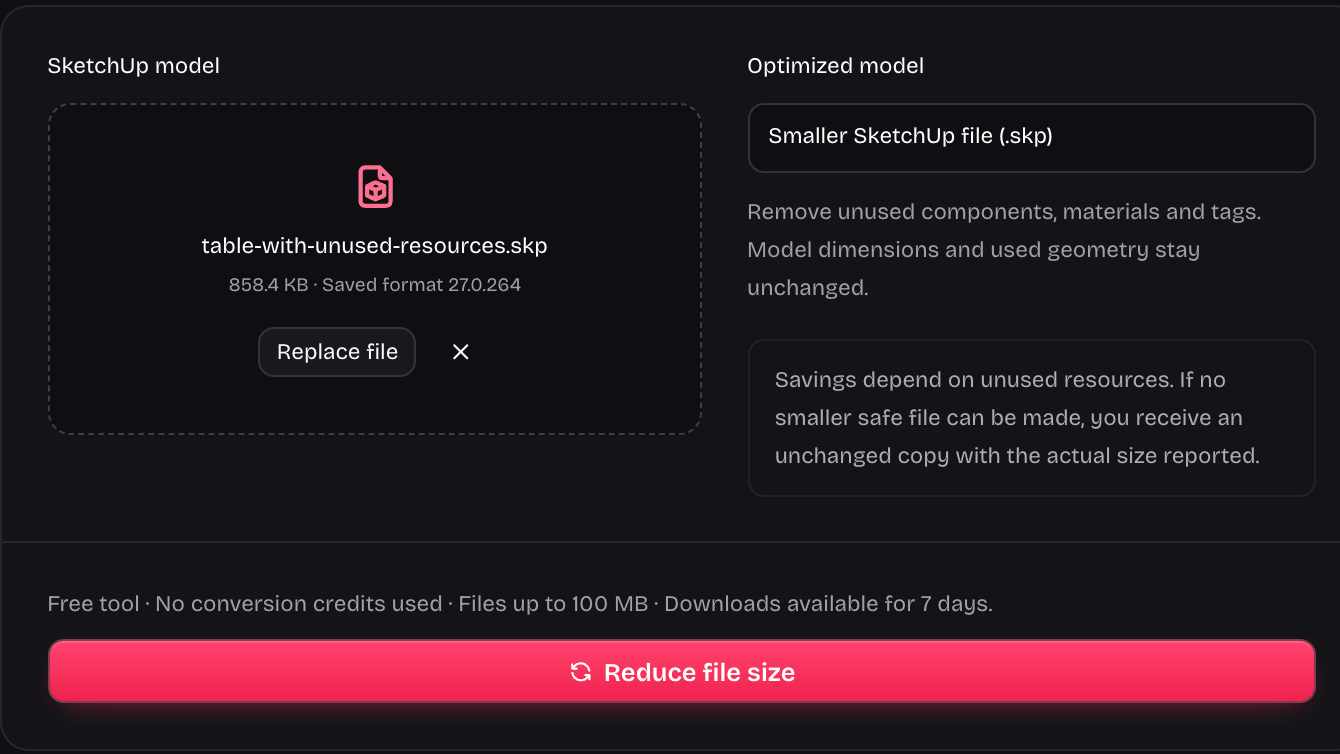
Drop your model here

.skp files · Up to 100 MB

Optimized model

Smaller SketchUp file (.skp)

Remove unused components, materials and tags. Model dimensions and used geometry stay unchanged.

Savings depend on unused resources. If no smaller safe file can be made, you receive an unchanged copy with the actual size reported.

Checking converter availability…

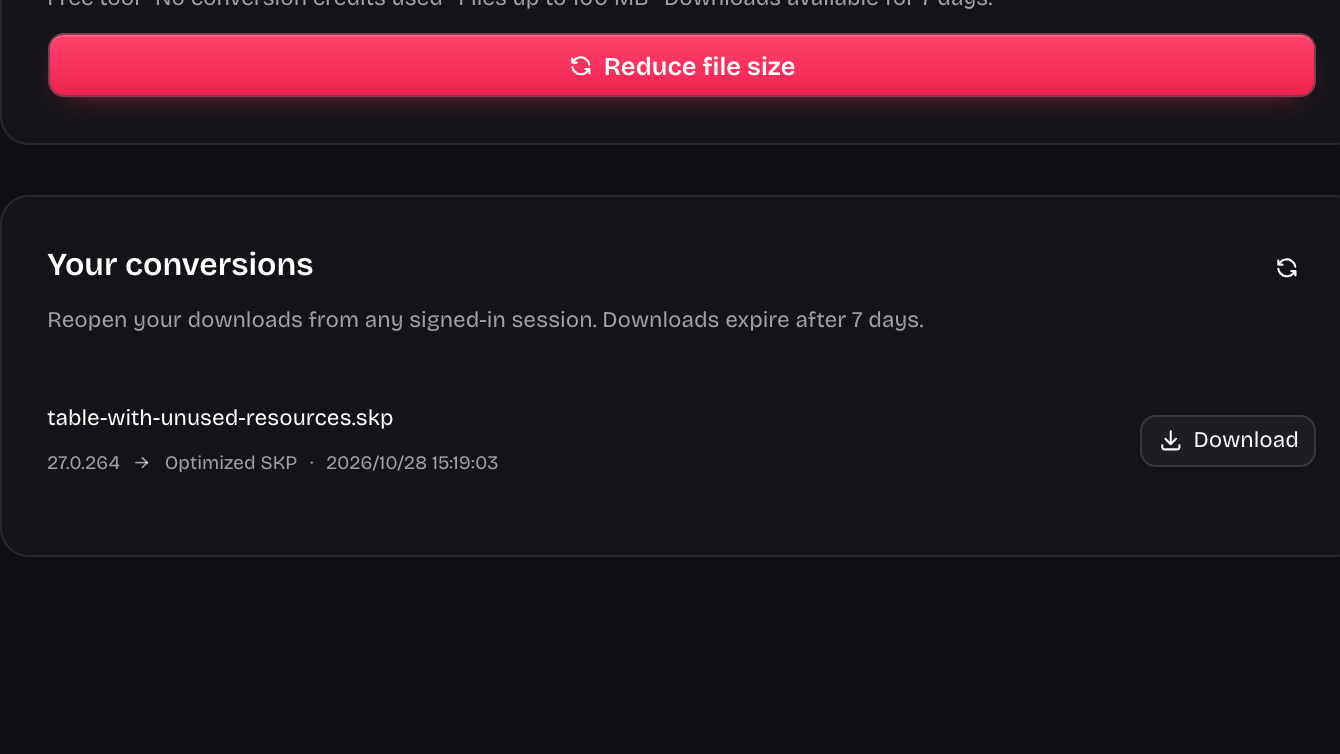
Your conversions

Reopen your downloads from any signed-in session. Downloads expire after 7 days.

Compare file size while keeping the model

Resize SKP Converter targets unused content stored in the model, rather than scaling the building or furniture. Compare the original and optimized project copies, then check the actual size reported for your file.

Compare model file versions
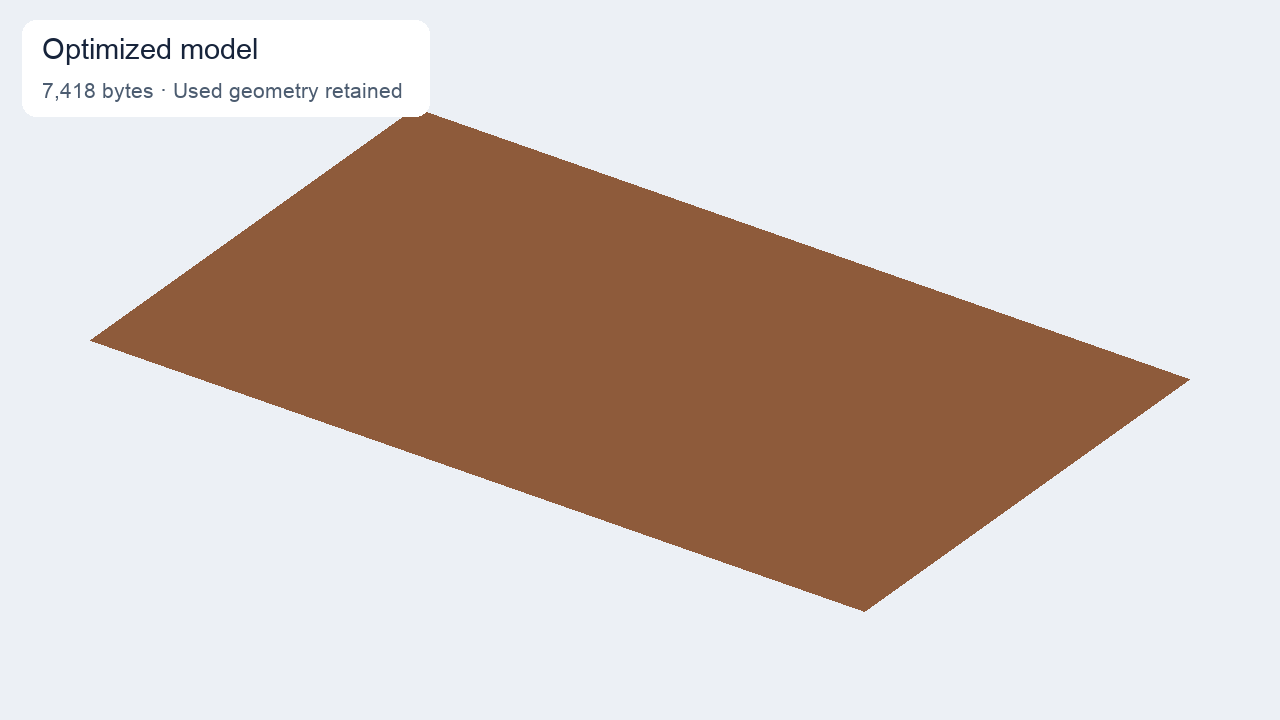
The same brown tabletop geometry after unused-resource cleanup
Resize SKP Converter can leave a model looking the same after unused resources are removed. Compare the saved file sizes alongside the retained project geometry; a model with nothing removable may remain the same size.

Reduce file weight with Resize SKP Converter

SKP upload controls for unused-resource optimization

Remove unused components, materials, and tags

Resize SKP Converter removes unused component definitions, materials, and tags from a readable model. It retains the geometry used by your project and saves a separate optimized copy, so leftover imported resources do not have to travel with the working design.

Choose a model to optimize
Optimization result showing original and output file sizes

Compare the actual saved sizes

Resize SKP Converter helps you convert a model into a smaller saved copy when unused resources are present. Compare measured sizes instead of a promised reduction percentage; the saving depends on what the source actually stores.

Check your model's file size
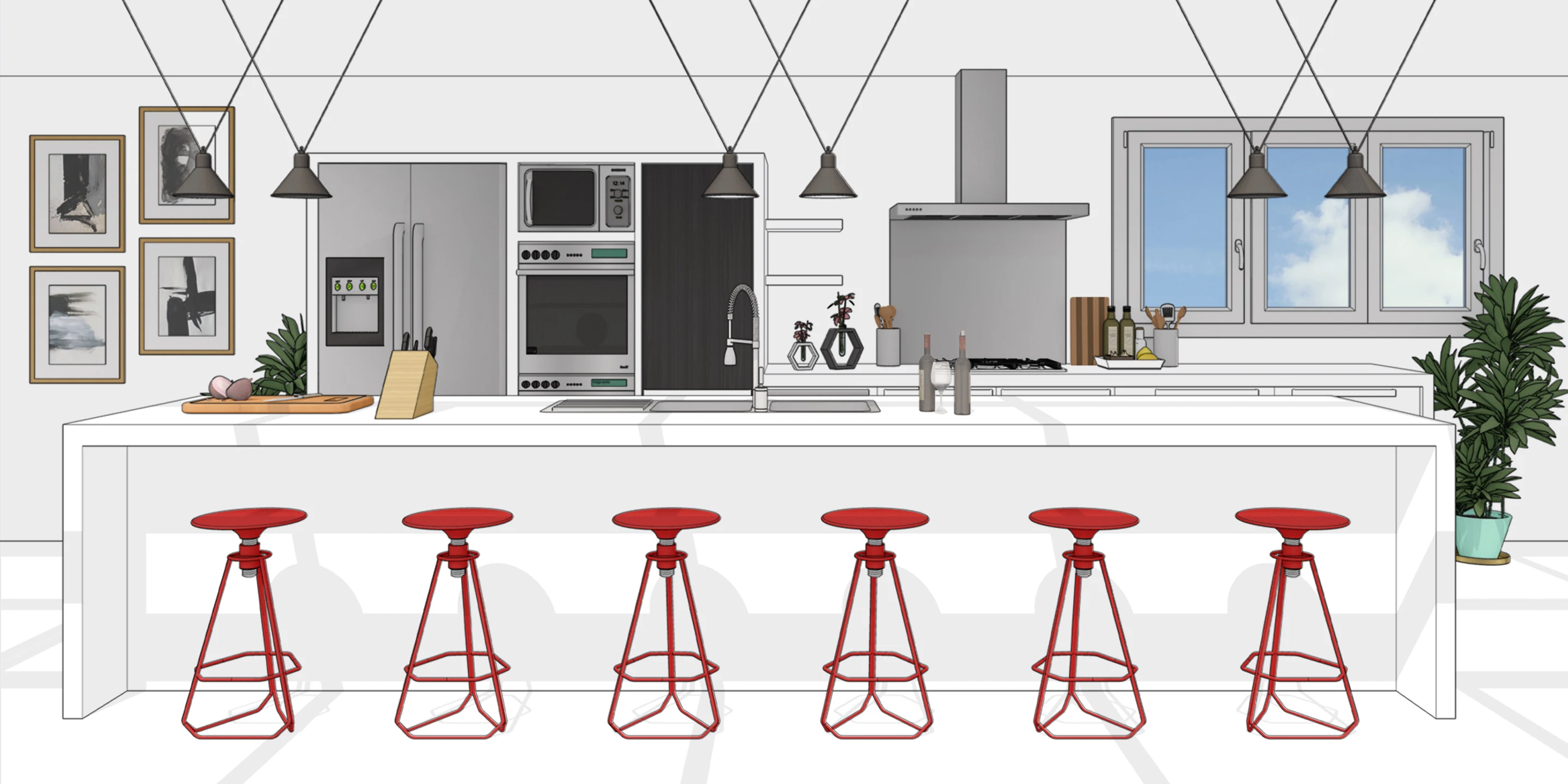
Kitchen model with a white island, red stools, and pendant lights

Keep scale separate from file weight

Resize SKP Converter addresses storage size rather than changing the dimensions of your design. A smaller file can be useful for a project exchange while the building, furniture, and other used geometry retain the proportions you need to continue the model.

Optimize your SKP copy

How Resize SKP Converter reduces file size

Reduce your SKP file size

Choose the readable model

Upload the SKP you want to make smaller. Keep a source copy so you can compare the optimized result with the original project file.

Remove unused model resources

Run Resize SKP Converter to clean unused resources. The operation keeps used project geometry instead of shrinking the model's dimensions to reduce its file weight.

Download and compare the result

Save the optimized SKP, compare its reported file size with the source, and inspect the model before using the lighter copy for your next handoff.

Make a smaller copy for the next exchange

Resize SKP Converter helps with the file you need to store or share. Remove unused resources when they exist, preserve the working design, and make a decision from the measured result.

Clean up unused content

Resize SKP Converter removes eligible unused resources from the saved model, giving you a cleaner copy without deliberately removing the active design geometry.

Preserve the source file

Keep your original while reviewing the Resize SKP Converter output, so the optimized copy does not become your only project reference before inspection.

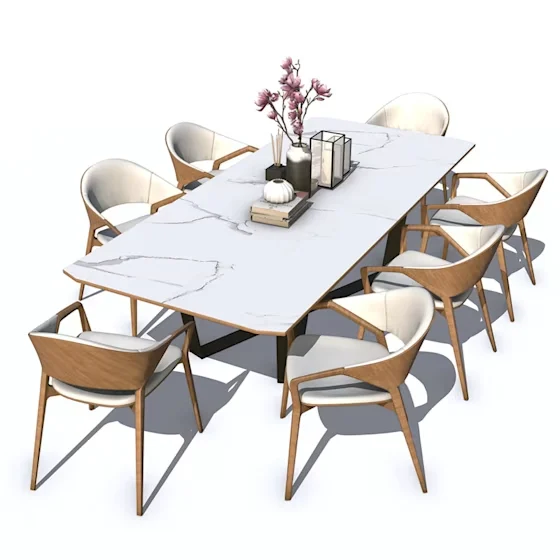
White marble dining table with flowers and surrounding wooden chairs

Use measured size changes

Read the sizes from Resize SKP Converter and judge whether the reduction helps your handoff. Some models already contain little or no removable content.

Keep physical dimensions intact

Resize SKP Converter changes file weight, not the model's measurement scale. Continue design work with the same proportions after reviewing the optimized copy.

Preparing a different handoff? You can export a DWG drawing or convert to an older SketchUp version.

Questions about Resize SKP Converter

SketchUp Version Converter cube and download mark

Remove unused weight from your model file

Bring a readable model to Resize SKP Converter. Create a separate optimized copy, compare the saved sizes, and keep the original until you have reviewed the result.

Reduce your SKP file size