

SketchUp Version Converter to Lower Versions

Use SketchUp Version Converter online to open a newer .skp model in the version your project needs. Upload one file, choose a supported year, and download a separate converted copy.

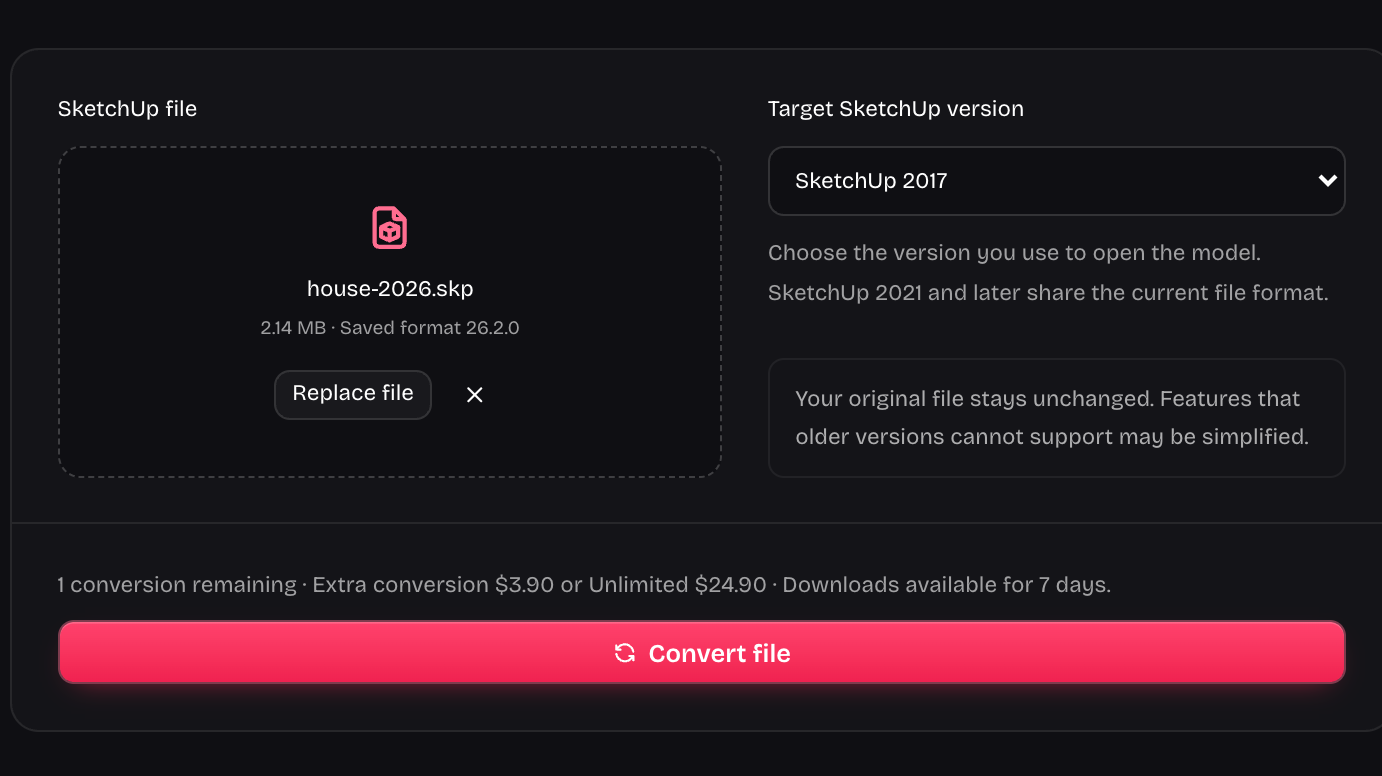
Drop your model here

.skp files · Up to 100 MB

Choose the version you use to open the model. SketchUp 2021 and later share the current file format.

Your original file stays unchanged. Features that older versions cannot support may be simplified.

Checking converter availability…

Your conversions

Reopen your downloads from any signed-in session. Downloads expire after 7 days.

One model, two SketchUp file versions

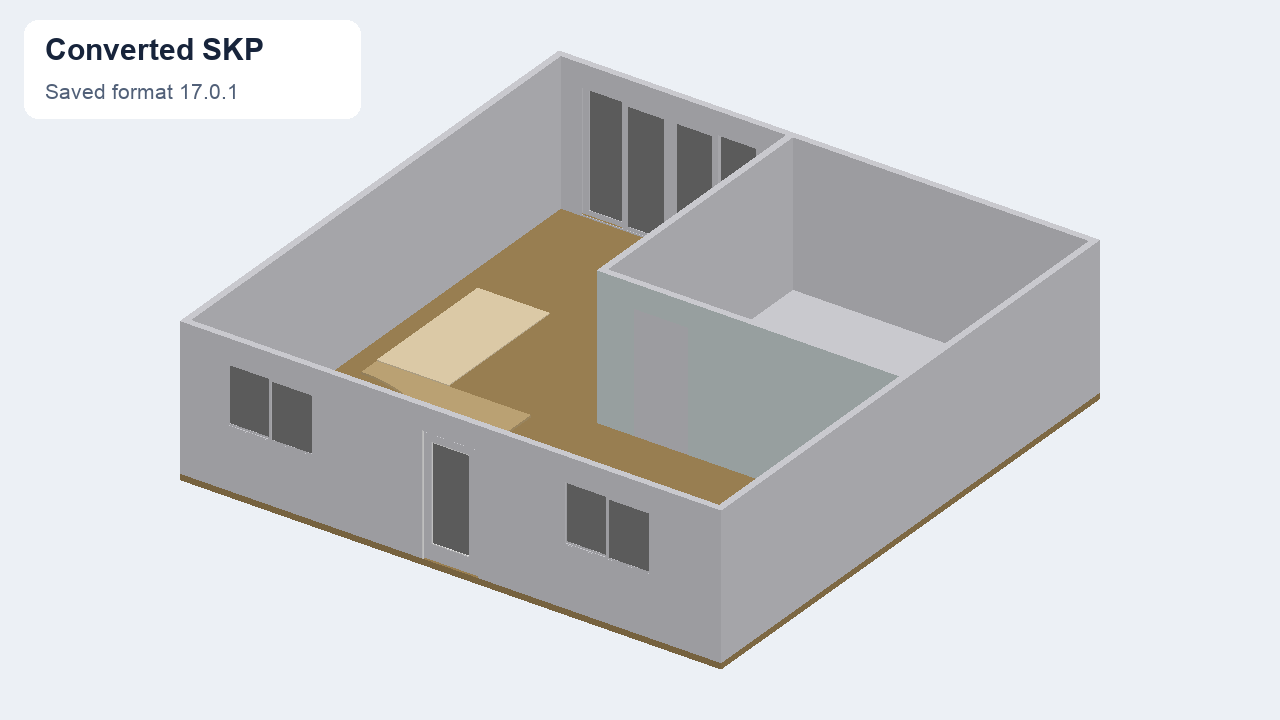
SketchUp Version Converter checks that models reopen. Compare this house before and after format conversion.

Compare model file versions
The same house model after conversion to the 2017 file format
The format changes; the house stays recognizable. Review the download in your team's modeling application.

Every SketchUp version. Connected.

From SketchUp 2017 to 2026. Choose the target version that your project or team needs.

SketchUp 2017

Legacy format

  1. 2017
  2. 2018
  3. 2019
  4. 2020
  5. 2021
  6. 2022
  7. 2023
  8. 2024
  9. 2025
  10. 2026

SketchUp 2026

Current format

SketchUp Version Converter saves a separate copy; releases from 2021 onward share the current format.

Convert SketchUp files for a lower version

File and target-version controls in SketchUp Version Converter

Choose the version your project needs

SketchUp Version Converter gives you a clear target-year choice before processing. Receive a file for a colleague using 2017–2020, or use the current format shared by later releases. Keep the target tied to the person opening the model.

Choose a version
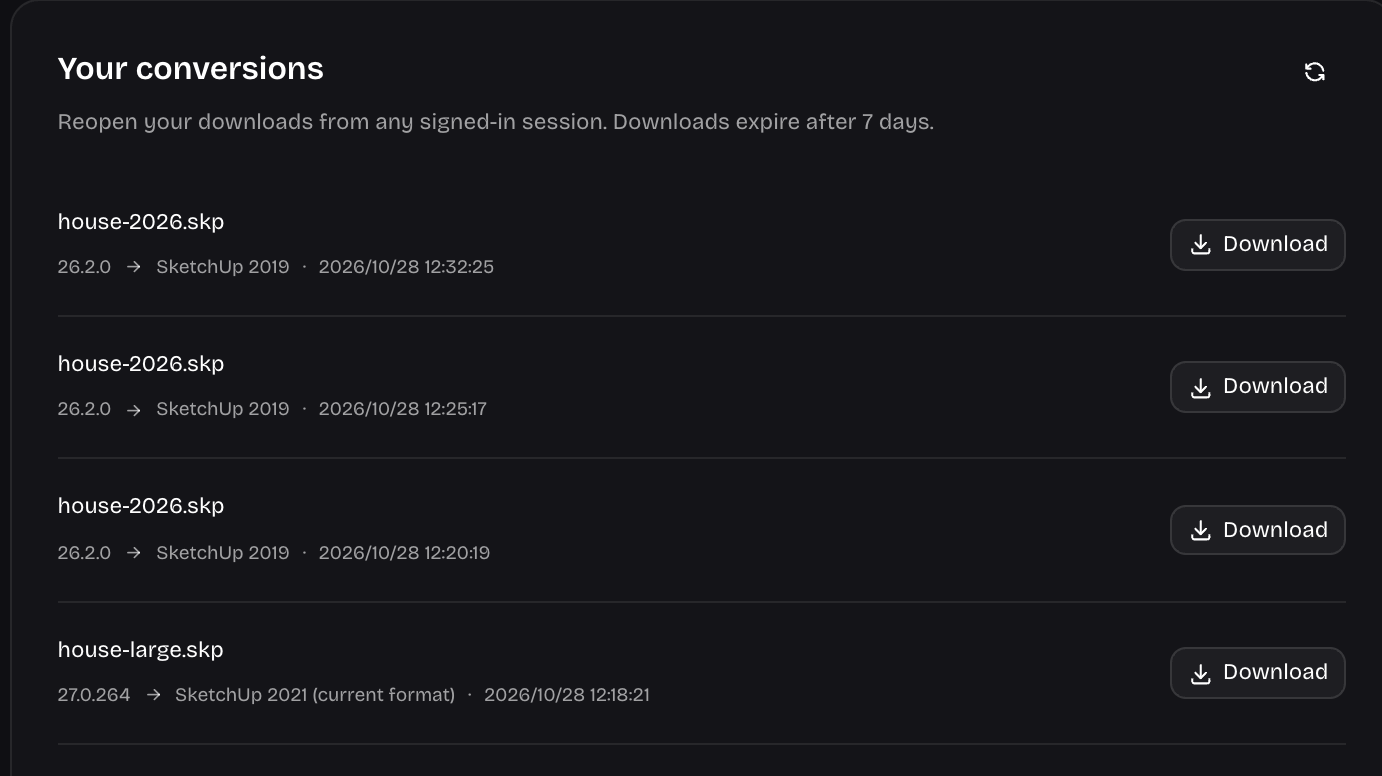

Account conversion history with completed model downloads

Keep your downloads tied to your account

SketchUp Version Converter saves completed downloads in your account history for seven days. Return after a refresh or sign in from another session to retrieve the same result, rather than spending another conversion on a file you already prepared.

Convert a file
Architectural model of a commercial building with large glazed exterior walls

Hand off a separate model to your collaborator

Use SketchUp Version Converter when a client or design partner sends a model your existing setup cannot read. The downloaded SKP carries its target year in the filename, helping you identify the right copy before sharing the project onward.

Prepare your model

How SketchUp Version Converter works

Start your conversion

Upload your SKP model

Add one .skp file to SketchUp Version Converter with the file picker or drop area. The file header is checked before you continue.

Select the target SketchUp year

Choose the application year your recipient uses. SketchUp Version Converter keeps that choice beside your file so you can confirm both before submitting.

Download a separate compatible copy

Sign in, convert, and download the completed result. SketchUp Version Converter keeps the original separate and lists successful downloads in your private account history.

Keep using the version your work depends on

SketchUp Version Converter keeps your source separate while preparing a compatible copy for your next handoff.

Fewer requests to resend files

Handle a supplied model with SketchUp Version Converter before asking a busy client to reopen the project and save another copy.

A source you can return to

SketchUp Version Converter leaves your original file unchanged. Keep it with the converted download so later revisions can start from the model you received.

White marble dining table with flowers and surrounding chairs in a furnished 3D model

Pay for the way you work

Try SketchUp Version Converter once free, buy one extra conversion when needed, or choose lifetime Unlimited for repeated handoffs without a subscription.

Check the result before sharing

A successful result includes a reopened-model summary. Review the downloaded file in your target application before sending it into an active project.

No installation

Upload and convert in your browser, without installing a converter app or a SketchUp plugin.

Private downloads

Only your signed-in account can access saved results, with private downloads available for seven days.

Original unchanged

Get a separate converted model copy while keeping the original file you started with unchanged.

For related SketchUp Version Converter tasks, you can recover an SKB backup or prepare a lighter handoff and reduce SKP file size.

SketchUp Version Converter questions

SketchUp Version Converter cube-and-download mark

Start with the model you need to open

Bring your next handoff to SketchUp Version Converter. Choose the target year, keep your original file, and download a copy ready to review.

Try SketchUp Version Converter